Quick answer
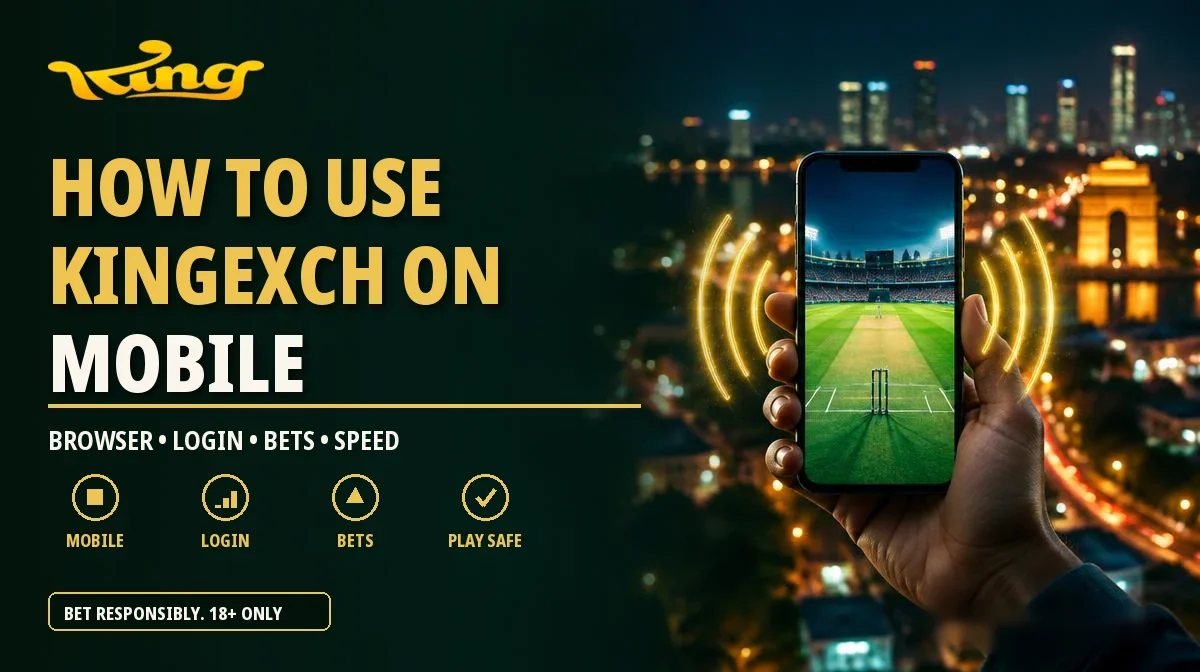
Most King Exchange IDs in India are used on a phone, because that's where your UPI apps and WhatsApp already are. There's nothing to install: open the official link in Chrome or Safari, log in with your username and password, and add it to your home screen if you want an app-style icon.
At a glance
Key takeaways
- King Exchange runs in Chrome or Safari on your phone with nothing to install, and you can add a home screen icon.
- Use the same phone for WhatsApp support and your UPI app, and copy the UTR before you switch apps.
- If your data drops, check your open bets before placing the same bet again.
- On a shared phone, log out after each session and don't let the browser save your password.
- Start ID or payment chats only through the WhatsApp button on this site, and ignore anyone who messages you first.
Browser or home screen icon?
Both are the same site. The home screen icon opens it full screen, which is easier one-handed during IPL. On Android, open the link in Chrome and choose Add to Home screen; on iPhone, use Share then Add to Home Screen in Safari. A file sent to you as the King Exchange APK is a fake. The app page has the details.
What mobile routine works best?
Use the same phone for WhatsApp support and your UPI app, so payment screenshots are easy to send, and copy the UTR before switching apps. For live cricket, lock the screen orientation and don't start a deposit mid-over. If your data drops, check your open bets before placing the same bet again.
- Use the same phone for WhatsApp support and your UPI app, so payment screenshots are easy to send.
- After a UPI payment, copy the UTR before switching apps.
- For live cricket, lock the screen orientation and don't start a deposit mid-over.
- If your data drops, check your open bets once you're back online before placing the same bet again.
On a shared family phone, log out after each session and don't let the browser save your password. Anyone who can open the browser can otherwise open your account.
Why does it matter which WhatsApp chat you use?
Copycat chats on the same phone can look official. Start ID or payment conversations only through the WhatsApp button on this site, and ignore anyone who messages you first. Save the official number in your contacts so the real chat is easy to find.
Reader questions
Frequently asked questions
Q.01Does King Exchange work on Jio and Airtel?
Yes. It's a website, so any network and any phone browser works.
Q.02Can I use King Exchange on two phones?
Yes, with the same username and password. If you lose a phone, change your password from another device.
Q.03Is the mobile site fast enough for live IPL?
Usually yes. A home screen shortcut feels like an app. If your phone struggles, close other tabs.
Q.04Can I pay by UPI QR code?
Pay only to the details sent in the official chat, and keep the UTR. Never pay a QR code posted in a group.
Share this guide
About the author
Aditya Kulkarni
Payments & Account Guides Editor · 9+ years experience
Aditya writes the account and payment guides: getting a King Exchange ID, login fixes, KYC, UPI deposits, withdrawals and the app.
More from Aditya